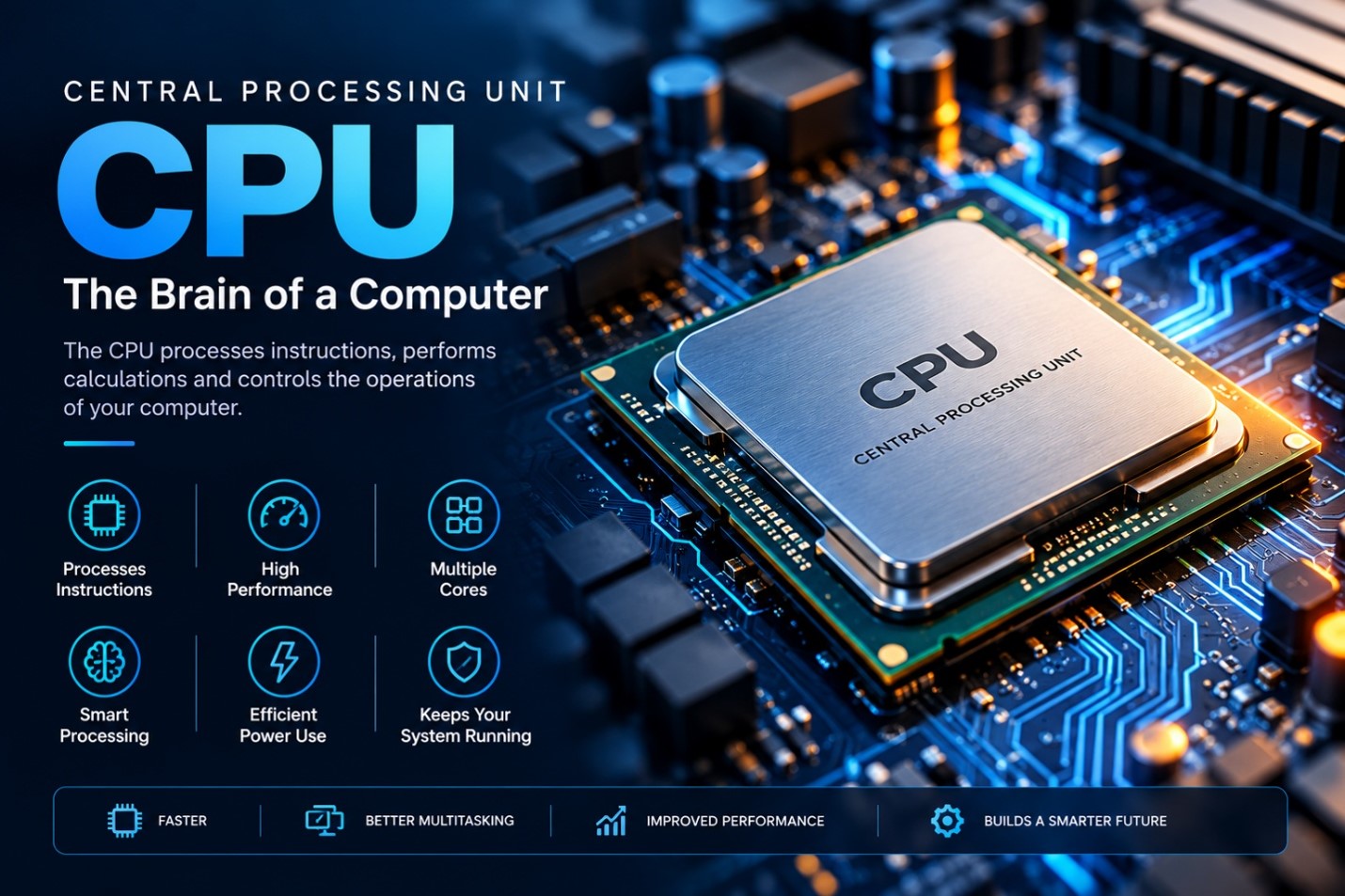
The Central Processing Unit (CPU) is one of the most important components of a computer system. It is responsible for executing instructions, processing data, performing calculations, and coordinating many of the operations required by software and hardware.
The CPU is often described as the “brain of the computer” because almost every task performed by a computer involves the processor in some way. From opening an application and browsing the internet to running games and editing videos, the CPU processes the instructions that make these activities possible.
A computer’s overall performance depends on several components, including RAM, storage, graphics hardware, and the CPU. However, the processor remains a fundamental part of the system because it performs the instructions that allow software to operate.
What Is a CPU?
CPU stands for Central Processing Unit.
It is the primary processor responsible for executing instructions from computer programs. The CPU receives instructions, interprets them, performs the required operations, and produces results.
Main Functions of a CPU
- Executes program instructions
- Performs arithmetic calculations
- Performs logical operations
- Processes data
- Controls system operations
- Communicates with memory
- Coordinates with other hardware components
- Supports the operation of applications
How Does a CPU Work?
The CPU follows a continuous process to execute instructions. This is commonly described as the instruction cycle.
Basic CPU Process
Fetch → Decode → Execute → Store
- Fetch
The CPU retrieves an instruction from memory.
- Decode
The instruction is interpreted so that the CPU can determine what operation needs to be performed.
- Execute
The processor performs the requested operation.
- Store
The result is stored in a register, memory, or another appropriate location.
This cycle occurs extremely quickly and is repeated continuously while programs are running.
Main Components of a CPU
A CPU contains several important internal components that work together to process instructions.
- Control Unit
The Control Unit (CU) manages and coordinates the execution of instructions.
It determines what operations need to be performed and helps control the movement of data between the CPU, memory, and other components.
Main Responsibilities
- Fetching instructions
- Decoding instructions
- Controlling data movement
- Coordinating CPU operations
- Arithmetic Logic Unit (ALU)
The Arithmetic Logic Unit (ALU) performs mathematical and logical operations.
Arithmetic Operations
- Addition
- Subtraction
- Multiplication
- Division
Logical Operations
- Comparisons
- AND
- OR
- NOT
- Other logical operations
The ALU is therefore an important part of the CPU’s calculation and decision-making capabilities.
- Registers
Registers are very small, high-speed storage locations inside the processor.
They temporarily hold data, instructions, addresses, and intermediate results that the CPU needs during processing.
Because registers are located inside the CPU, they can be accessed extremely quickly.
- CPU Cache
Cache memory is high-speed memory located on or very close to the processor.
It stores frequently accessed data and instructions so that the CPU can retrieve them more quickly than it would from slower levels of memory.
Common Cache Levels
- L1 Cache: Very fast and relatively small
- L2 Cache: Larger than L1 but generally slower
- L3 Cache: Larger and commonly shared among multiple CPU cores
CPU Cores
Modern CPUs commonly contain multiple processing cores.
A CPU core is an individual processing unit capable of executing instructions.
Common CPU Configurations
- Dual-core
- Quad-core
- Six-core
- Eight-core
- Higher-core-count processors
Multiple cores can allow a processor to handle multiple instruction streams at the same time, depending on the operating system and software.
Why Are Multiple Cores Important?
Multiple cores are useful for:
- Multitasking
- Video editing
- Software development
- Gaming
- Data processing
- Running multiple applications
However, having more cores does not automatically make a CPU faster in every situation. Performance also depends on architecture, clock speed, software optimization, cache, and other factors.
CPU Clock Speed
CPU clock speed is commonly measured in Gigahertz (GHz).
It represents the frequency at which the processor’s clock operates.
For example, a processor operating at 4 GHz has a clock frequency of approximately four billion cycles per second.
However, clock speed alone cannot be used to determine which CPU is faster.
CPU Performance Also Depends On:
- CPU architecture
- Number of cores
- Cache
- Instruction efficiency
- Power limits
- Thermal conditions
- Software optimization
CPU Architecture
CPU architecture refers to the design and organization of a processor and the way it executes instructions.
Modern processors are designed to improve:
- Performance
- Energy efficiency
- Parallel processing
- Security
- Compatibility
- Instruction execution
Different processor architectures can achieve different levels of performance even when their clock speeds are similar.
CPU and RAM
The CPU and RAM work closely together.
When an application is running, the CPU needs access to data and instructions. RAM provides temporary working memory for information that is actively being used.
Basic Relationship
Storage → RAM → CPU → RAM
For example:
- An application is stored on an SSD.
- When the application starts, required data is loaded into RAM.
- The CPU accesses the necessary instructions and data.
- The CPU processes the information.
- Results are returned to memory or another component.
This relationship makes RAM an important companion to the CPU.
CPU and Storage
The CPU also works with storage devices such as SSDs and HDDs.
Storage provides long-term data retention, while the CPU processes the data that applications require.
Difference
CPU: Processes instructions and data
RAM: Temporarily holds active data
SSD/HDD: Permanently stores data
Together, these components form an essential part of a computer’s processing system.
Types of CPUs
Processors can be categorized in different ways depending on their intended use.
Desktop CPUs
Desktop processors are designed for personal computers and workstations.
They are commonly used for:
- Office work
- Programming
- Gaming
- Graphic design
- Video editing
- General computing
Laptop CPUs
Laptop processors are designed with portability and power efficiency in mind.
They aim to provide a balance between:
- Performance
- Battery life
- Heat generation
- Power consumption
Server CPUs
Server processors are designed for demanding workloads and continuous operation.
They may support:
- Large numbers of CPU cores
- Large amounts of memory
- Virtualization
- Enterprise applications
- Databases
- Cloud services
CPU in Gaming
The CPU plays an important role in gaming by processing game logic and coordinating various operations.
CPU Responsibilities in Games
- Game logic
- Artificial intelligence
- Physics calculations
- Background processes
- Communication with other components
Gaming performance also depends heavily on the GPU, RAM, storage, and software settings.
A powerful CPU combined with an appropriate graphics card can provide a strong gaming experience.
CPU in Graphic Design and Video Editing
Professional creative applications can place significant demands on the processor.
A capable CPU can help with:
- Video encoding
- Rendering
- Image processing
- 3D applications
- Exporting projects
- Running multiple creative applications
For professional workloads, CPU performance should be considered together with RAM, GPU capabilities, and storage speed.
CPU in Programming and Software Development
Software developers use CPUs for compiling programs, running development environments, testing applications, and operating virtual machines.
CPU Performance Can Help With:
- Code compilation
- Running IDEs
- Local servers
- Virtual machines
- Software testing
- Development tools
Modern development environments can involve many applications running simultaneously, making adequate CPU and RAM resources useful.
CPU Temperature and Cooling
A CPU generates heat while operating. If the temperature becomes too high, modern processors can reduce their performance to protect themselves.
A computer therefore needs an appropriate cooling system.
Common Cooling Methods
- Air cooling
- CPU heatsinks
- Fans
- Liquid cooling
Good airflow inside the computer case can also help maintain suitable operating temperatures.
CPU Performance Factors
Choosing a CPU should involve more than looking at one specification.
Important Factors
- Core count
- Thread count
- Clock frequency
- CPU architecture
- Cache size
- Power consumption
- Thermal performance
- Integrated graphics
- Compatibility with the motherboard
The importance of each factor depends on the workload.
Advantages of a Powerful CPU
A capable CPU can provide several benefits.
Key Advantages
- Faster application processing
- Better multitasking
- Improved productivity
- Faster compilation
- Better performance in demanding software
- Faster rendering and encoding
- Improved performance in CPU-intensive games
Limitations of a CPU
A CPU also has limitations.
Common Limitations
- High-performance CPUs can be expensive.
- Powerful processors can generate more heat.
- Some CPUs require advanced cooling.
- CPU performance can be limited by other components.
- More cores do not guarantee better performance in every application.
- Older motherboards may not support newer processors.
How to Choose the Right CPU
The best CPU depends on the user’s needs.
For Basic Users
A basic processor can be sufficient for:
- Web browsing
- Office applications
- Online learning
- Video playback
For Students and Developers
A mid-range processor can be useful for:
- Programming
- Web development
- Multitasking
- Development environments
- General productivity
For Gamers
A gaming-focused processor should provide strong single-threaded and multi-threaded performance and should be paired with an appropriate GPU.
For Professionals
Professionals working with:
- Video editing
- 3D rendering
- Data processing
- Virtual machines
- Engineering applications
may benefit from higher-performance processors with more cores and threads.
CPU vs GPU
The CPU and GPU are both processors, but they are designed for different types of workloads.
| CPU | GPU |
| General-purpose processor | Specialized parallel processor |
| Handles a wide range of tasks | Excels at highly parallel workloads |
| Important for operating system operations | Important for graphics and many parallel workloads |
| Usually has fewer, more powerful general-purpose cores | Usually has many smaller processing units |
| Important for application logic | Important for graphics rendering |
Modern GPUs are also widely used for AI, scientific computing, and other highly parallel workloads.
Future of CPU Technology
CPU technology continues to evolve as computing requirements become more demanding.
Future processors are expected to focus on:
- Greater energy efficiency
- Higher performance
- More specialized processing
- Improved AI capabilities
- Advanced multi-core designs
- Better integrated graphics
- Improved security
- More efficient computing architectures
The development of new processor technologies will continue to influence computers, smartphones, servers, artificial intelligence, gaming, and other digital systems.
Conclusion
The Central Processing Unit (CPU) is a fundamental component of every modern computer. It executes instructions, processes data, performs calculations, and coordinates many of the activities required by software and hardware.
Modern CPUs include multiple cores, cache memory, registers, and sophisticated control mechanisms that allow them to handle increasingly demanding workloads.
Whether a computer is being used for education, programming, gaming, graphic design, video editing, business, or professional applications, the CPU plays a central role in its operation.
Leave a Reply